 MSP ERP
Step-by-step guide
How to set up loyalty points and register a customer card
A loyalty formula defines the minimum invoice amount and the spend needed to earn a point. The MSP customer card gives the cashier a way to identify the customer and link purchases to their account at checkout.
Before you start
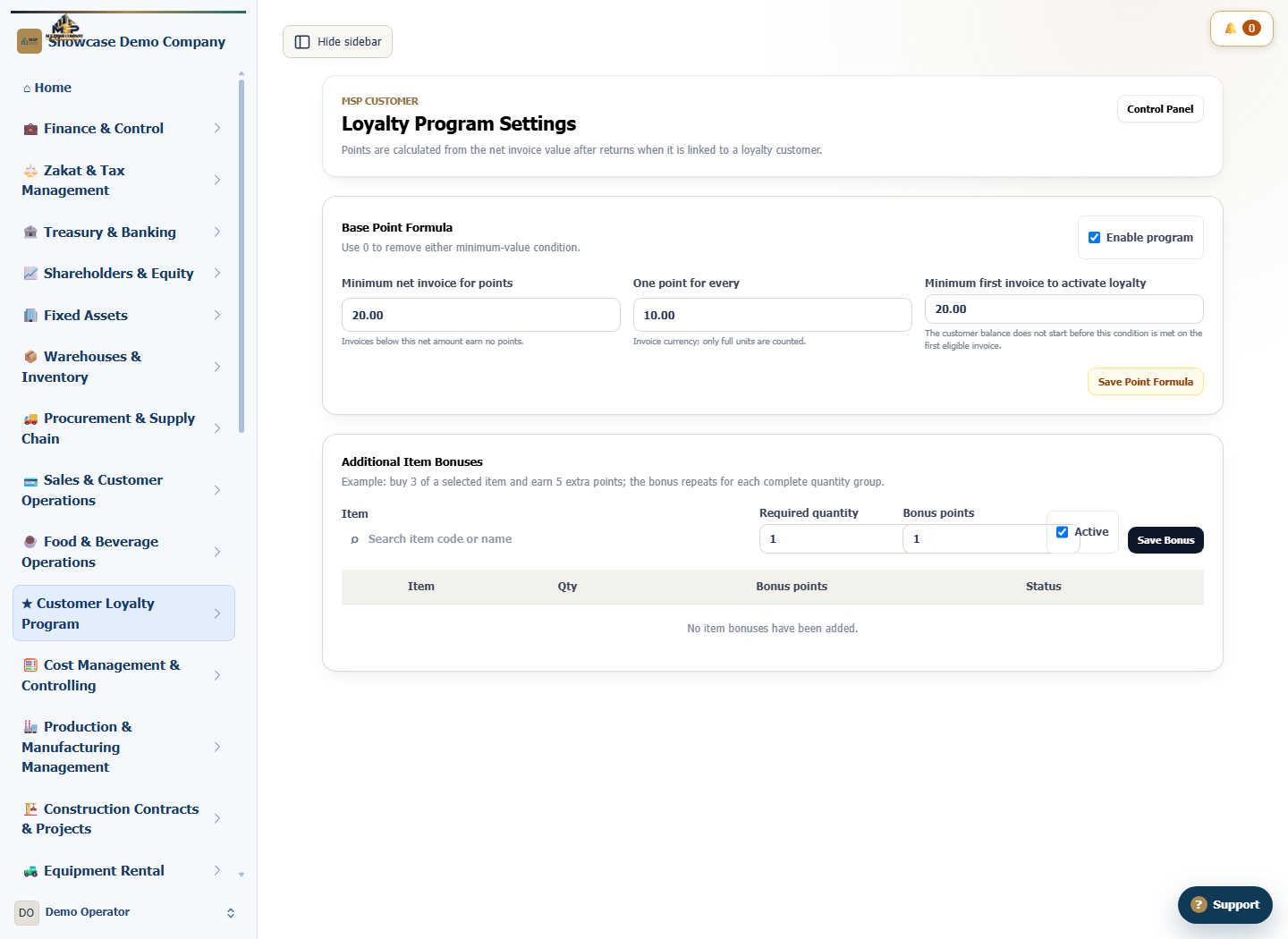
Open Customer Loyalty with access to manage its settings. We use card DEMO-LOYALTY-01 without adding a phone or ID, and set one point per SAR 10 of eligible net sales.
Steps to follow
Set the point formula
Open Point formula settings and select Enable program. Set the minimum net invoice and first invoice minimum to SAR 20 each. Set One point for every to SAR 10 and save.
Register a demo customer card
Under Add loyalty customer, enter Demo loyalty customer and use DEMO-LOYALTY-01 for the MSP CUSTOMER card number. Select Save loyalty customer.
Find the card by number
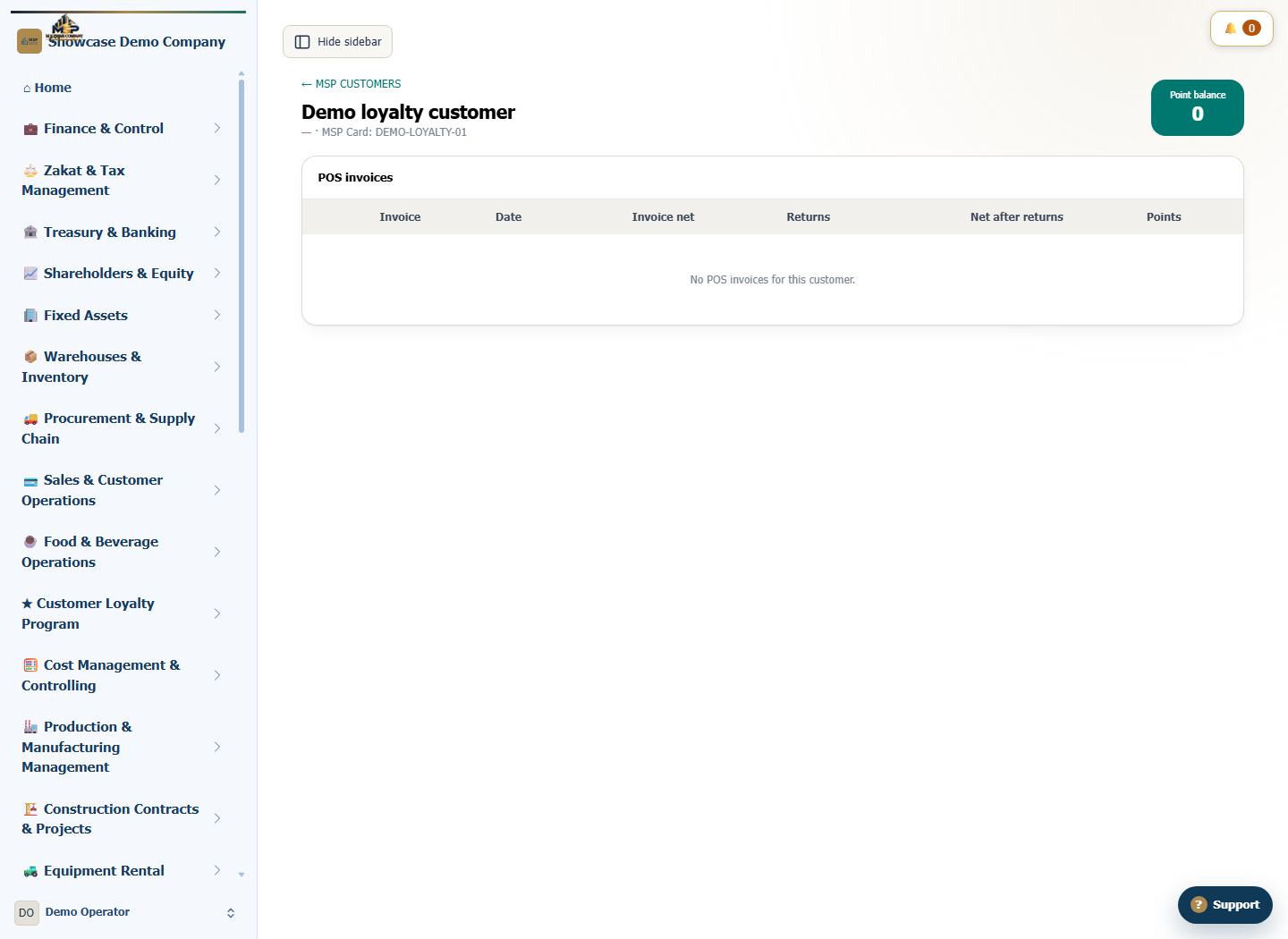
Search the customer list for DEMO-LOYALTY-01 and open Details. Check the customer name and card number against what you entered.
Check the opening balance and invoice history
Confirm that the balance is zero and that there are no POS invoices before the first purchase. At checkout, select the customer by card before completing the sale so the eligible invoice is linked to the account.
What to check
Check the saved formula, card number and opening balance. This walkthrough ends before checkout; earning points depends on a linked sale that meets the configured rules.