 MSP ERP
Step-by-step guide
How to convert a maintenance request into a work order and start it
A maintenance request records the asset, priority and reported problem. Converting it creates a corrective work order with its own number and status.
Before you start
Use demo maintenance asset DEMO-MA-PUMP in Demo Branch. The example reports pump vibration at normal priority. Warehouse DEMO-FG is available to select when converting the request.
Steps to follow
Record the fault
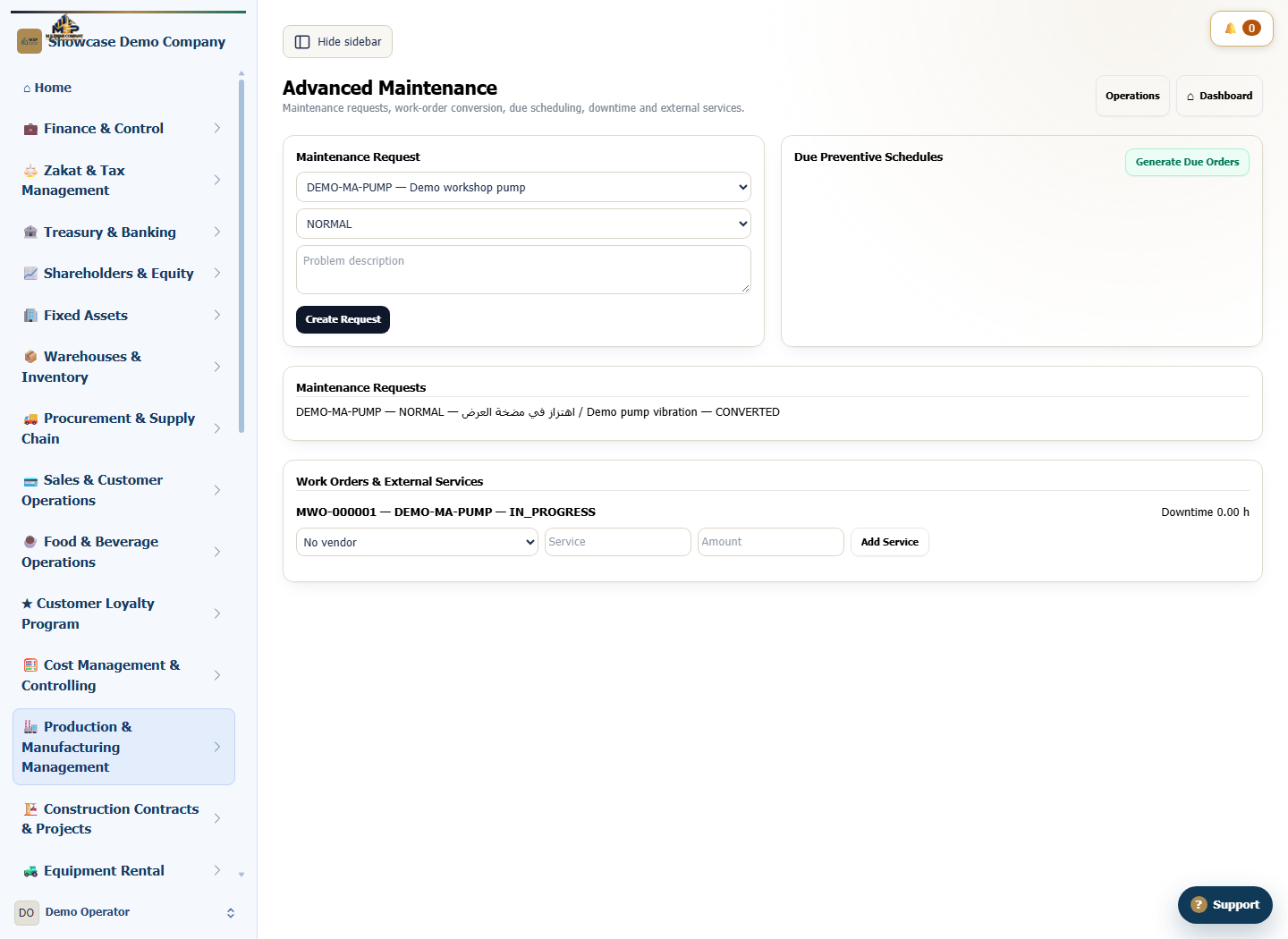
Open Advanced Maintenance. Under Maintenance Request, choose DEMO-MA-PUMP and NORMAL priority. Describe the vibration, then select Create Request.
Convert the request to a work order
Under Maintenance Requests, find the open request. Choose a spare-parts warehouse if needed, then select Convert to WO. The request shows CONVERTED.
Start the work order
Under Work Orders & External Services, find the pump order. Note its MWO reference and select Start when the work begins.
Verify the work order status
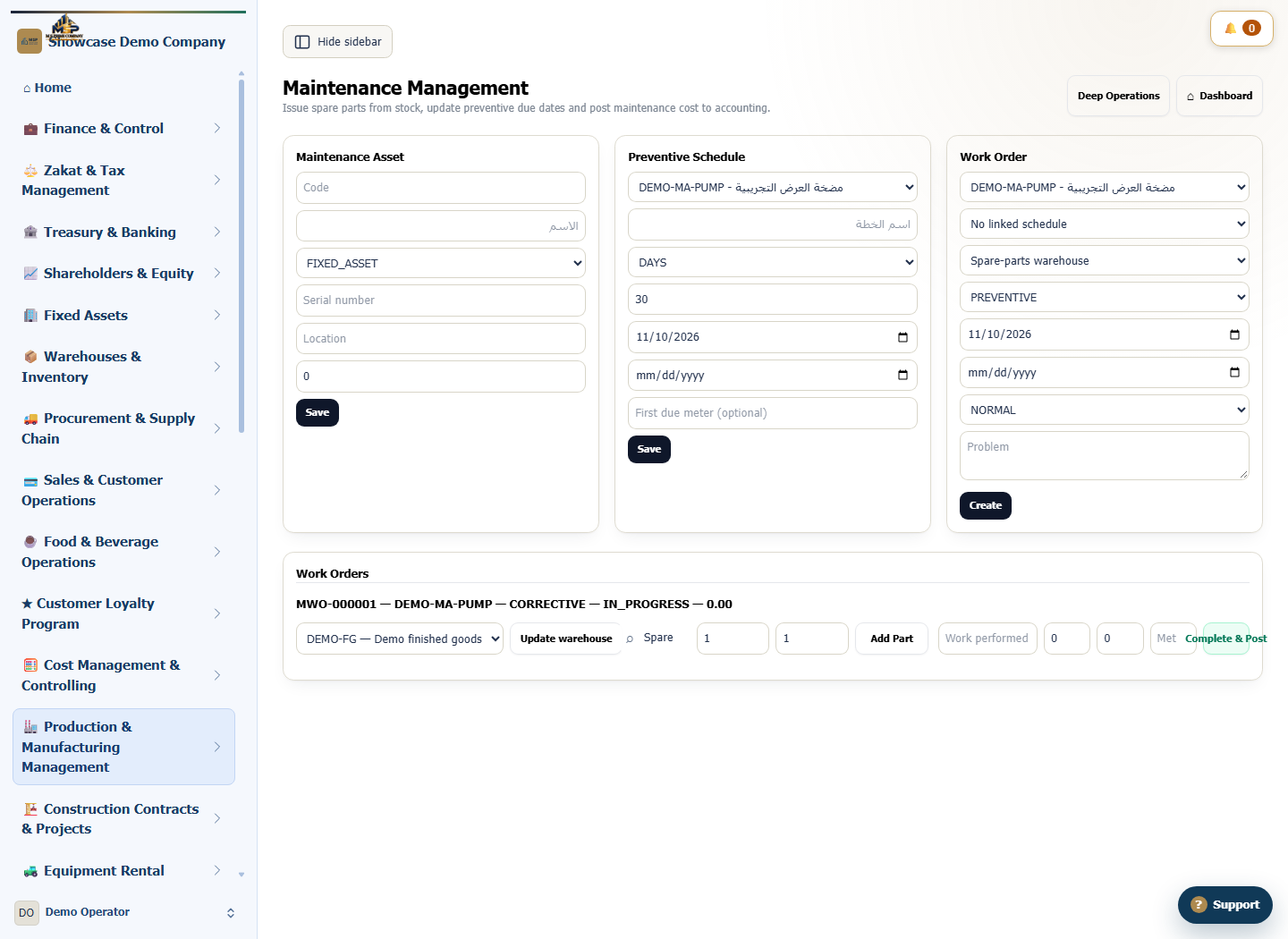
Open Operations and go to Work Orders. Match the order number and asset code and confirm the status is IN_PROGRESS.
What to check
Match the asset code on the request and the work order. IN_PROGRESS confirms that work has started and the order remains active for follow-up.