 MSP ERP
Step-by-step guide
How to record a journal entry and review it before posting
The journal screen keeps the date, period, accounts, debits and credits together. An accountant can prepare a draft, and a reviewer can find it by number or reference before posting.
Before you start
Use a fictional cash purchase of office supplies for SAR 250 in a demo environment. Prepare the expense and cash accounts and check that the entry date falls within an open financial period.
Steps to follow
Open a new journal entry
From Journals, select New Journal. Check the entry date, fiscal year and period, then enter a clear reference such as DEMO-EXP-01.
Enter both sides
Debit the supplies expense account by SAR 250 and credit the cash account by SAR 250. Add a description that identifies the transaction.
Save as a draft
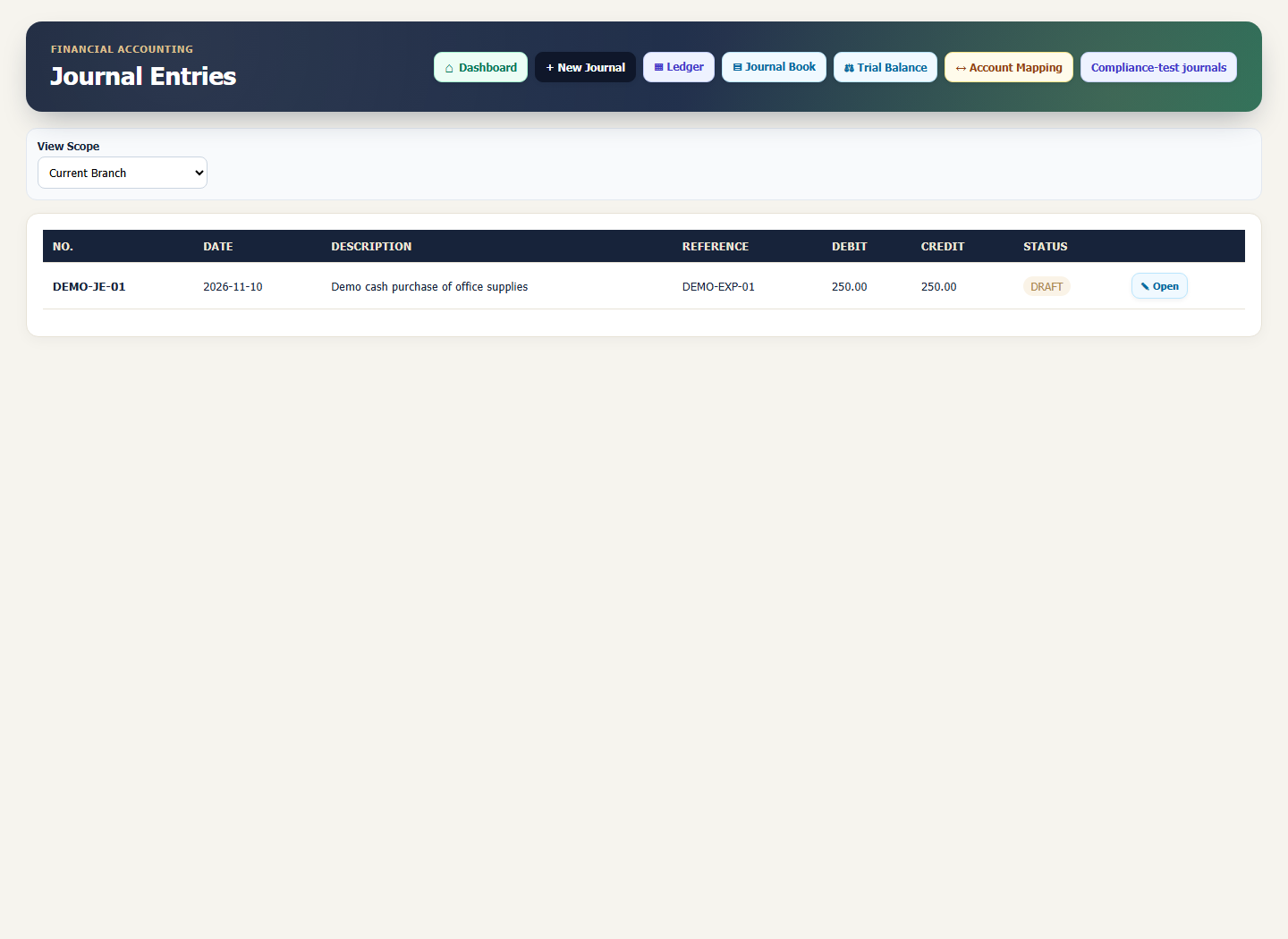
Compare total debits and credits, then select Save Draft. Return to Journals and find the entry by its number or reference.
Review the draft details
Open the entry and check both accounts, the period and the amounts. Hand the entry to the authorised user for posting after review under your organisation’s procedures.
What to check
The example should show SAR 250 on each side. Check that the entry is still a draft and that the accounts are correct, even when the totals balance.